AI / MLPrototype2025
Sprint Ticket Master
Upload a spreadsheet of tasks and Google Gemini turns each one into an estimated, categorised sprint ticket on a Jira-style board.
- 8
- Fields generated per ticket
- 1
- Server route between the browser and Gemini
- 0.2
- Sampling temperature, for steady estimates
Timeline
2025
Role
UI, parsing, prompt design and API route
Team
Solo
Domain
Project management · Agile delivery
Status
Prototype
Stack
Source
Section 01
Overview
Before sprint planning, someone has to turn a rough task list into structured tickets: a clear title, a description, an estimate, an owner and a category. That list usually lives in a spreadsheet.
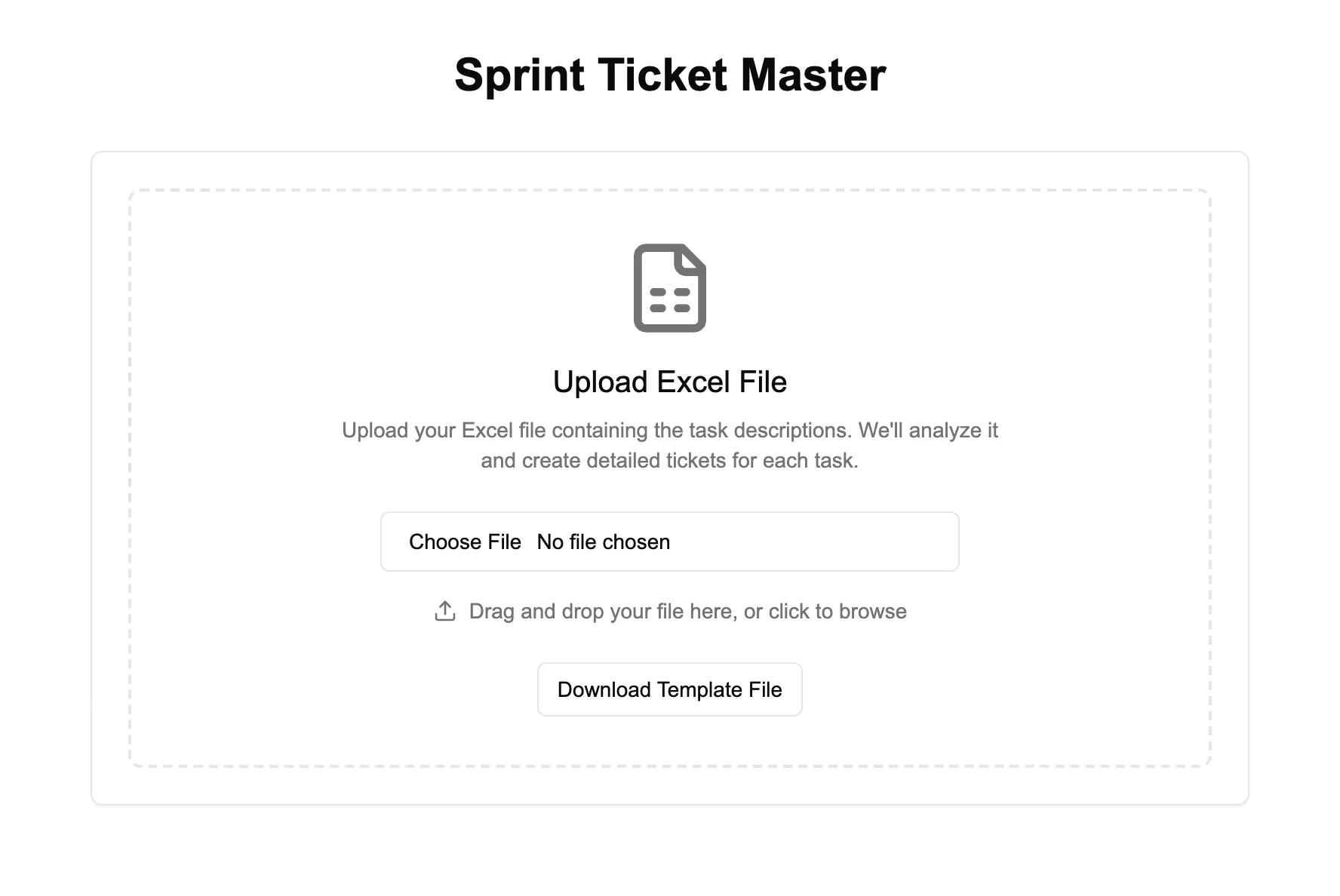
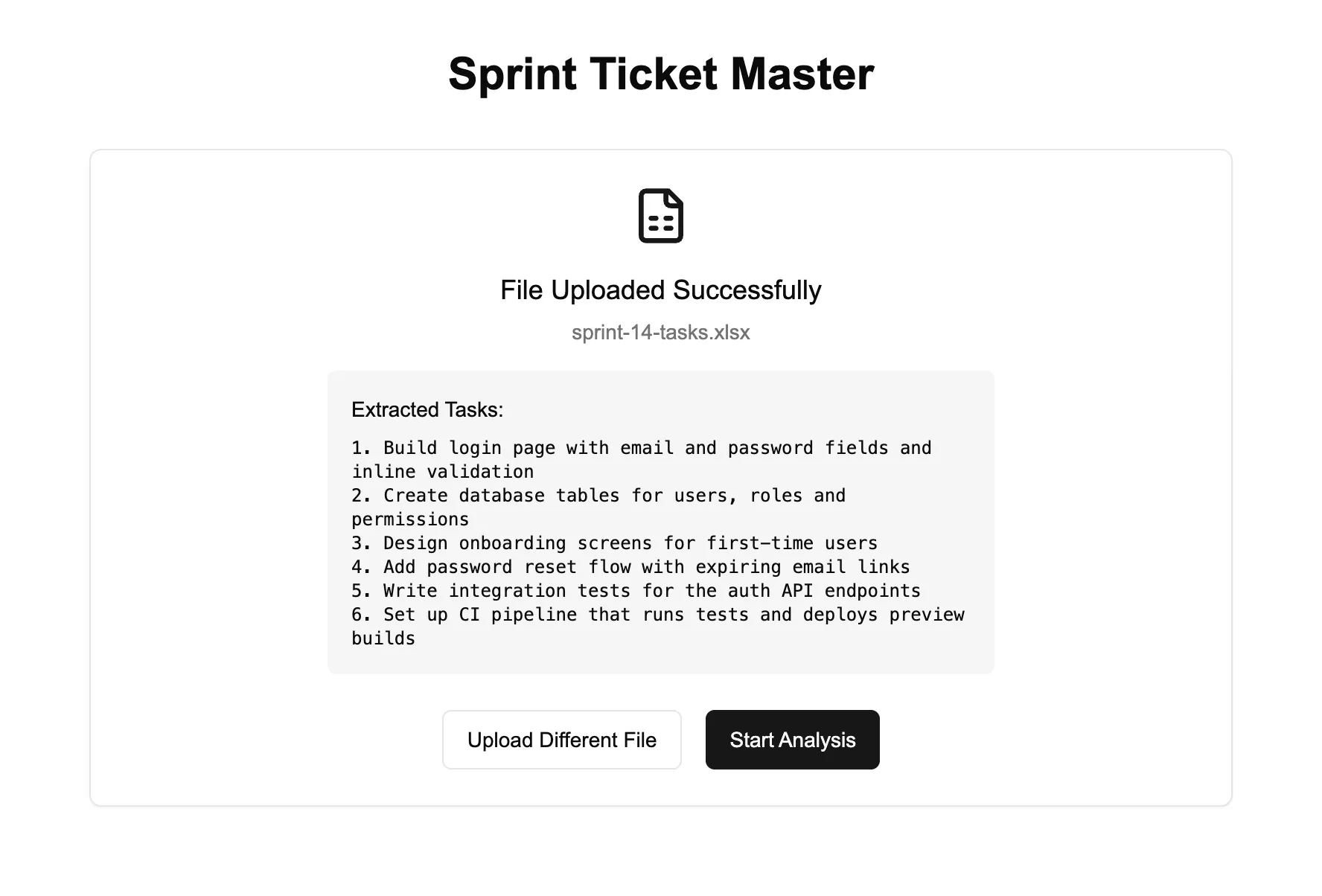
Sprint Ticket Master automates the step. Upload an Excel file with a Task Description column, review what was extracted, and Gemini writes a full ticket for each task, shown as cards or a table and editable on a Jira-style detail page.
Section 02
How It Works
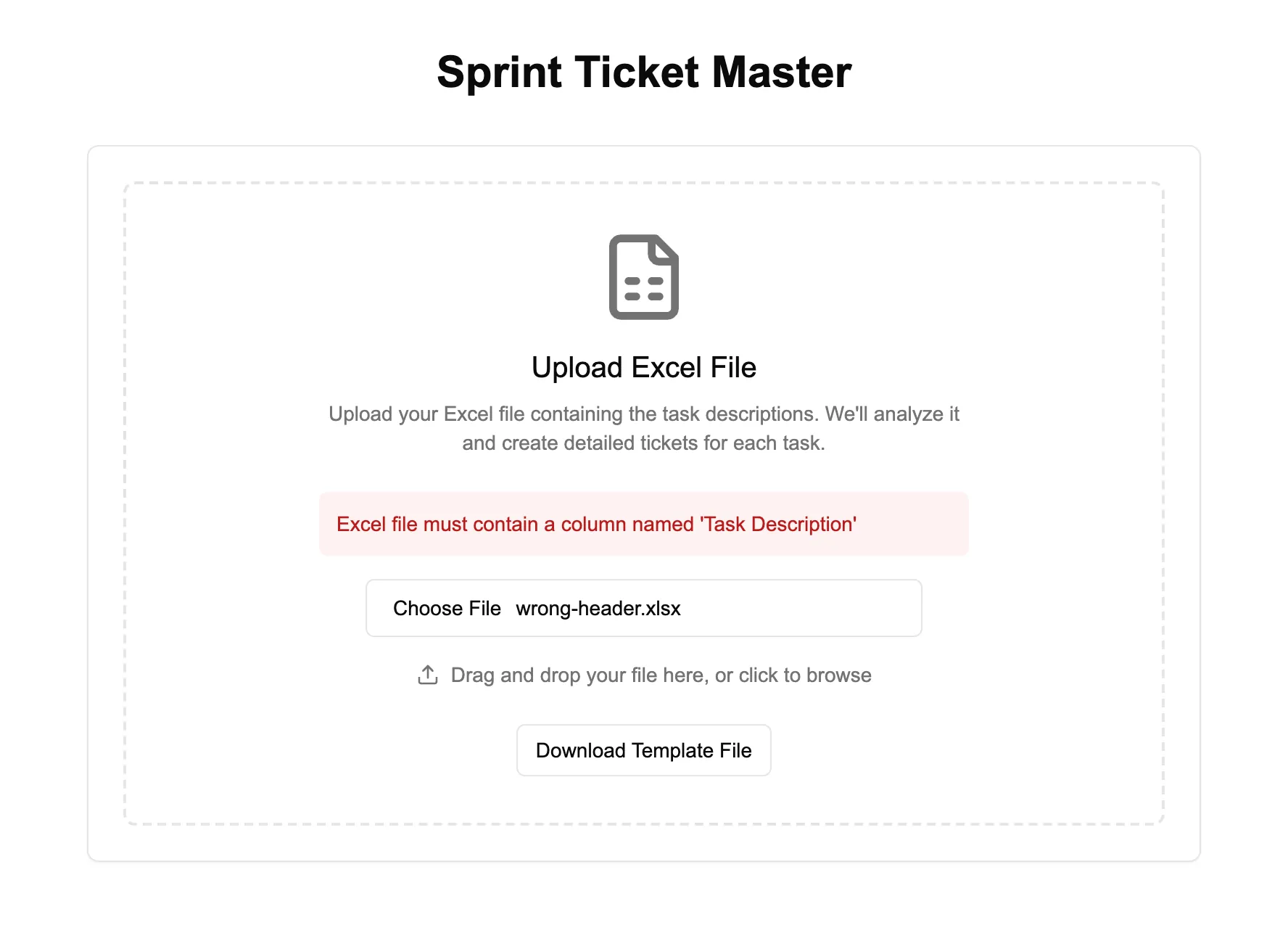
SheetJS parses the workbook in the browser, so nothing leaves the machine until you choose to analyse. Files without a Task Description column are rejected with a clear message before any request is made.
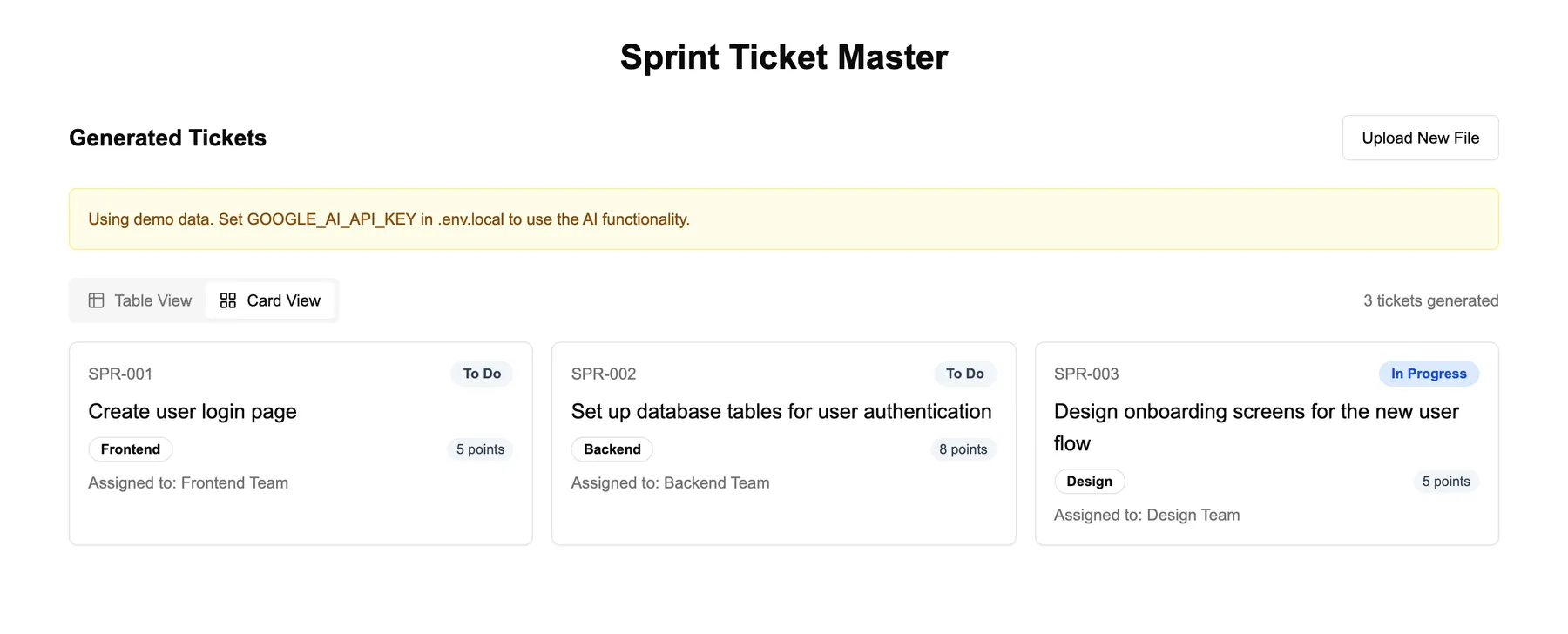
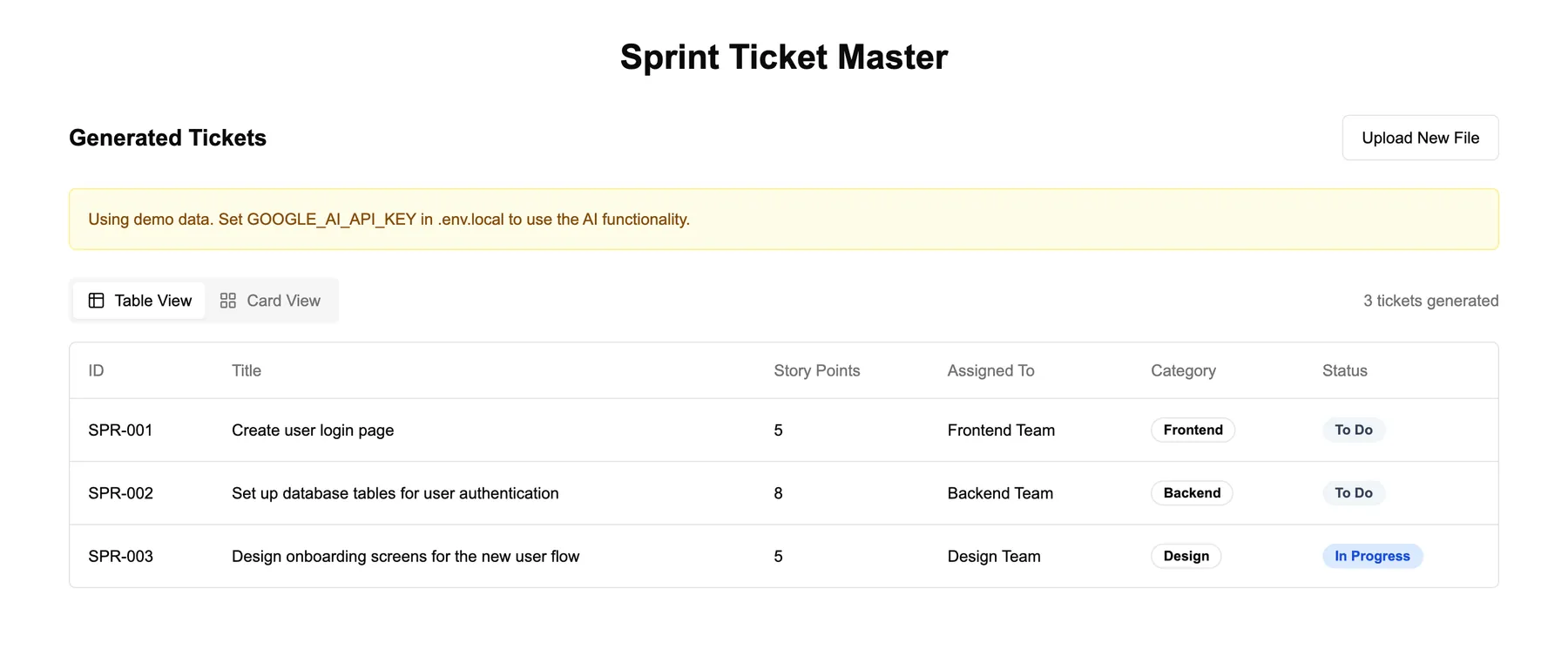
The tasks go to a single Next.js API route, which keeps the Gemini key on the server, calls gemini-2.0-flash, extracts the JSON array from the reply and assigns ticket IDs. Without a key configured, the route returns built-in demo tickets and the interface says so in a banner.
Section 03
Prompt Design
The prompt teaches the output by example: one complete ticket in JSON with all eight fields (title, three-point description, story points, assignee team, reporting lead, parent ticket, category, status), followed by the numbered task list.
It also grounds the model in a fixed company context, with four teams, four leads, four categories and a parent-ticket ID format, so assignments land on real options instead of invented ones. Temperature 0.2 keeps estimates consistent between runs.
Section 04
Interface
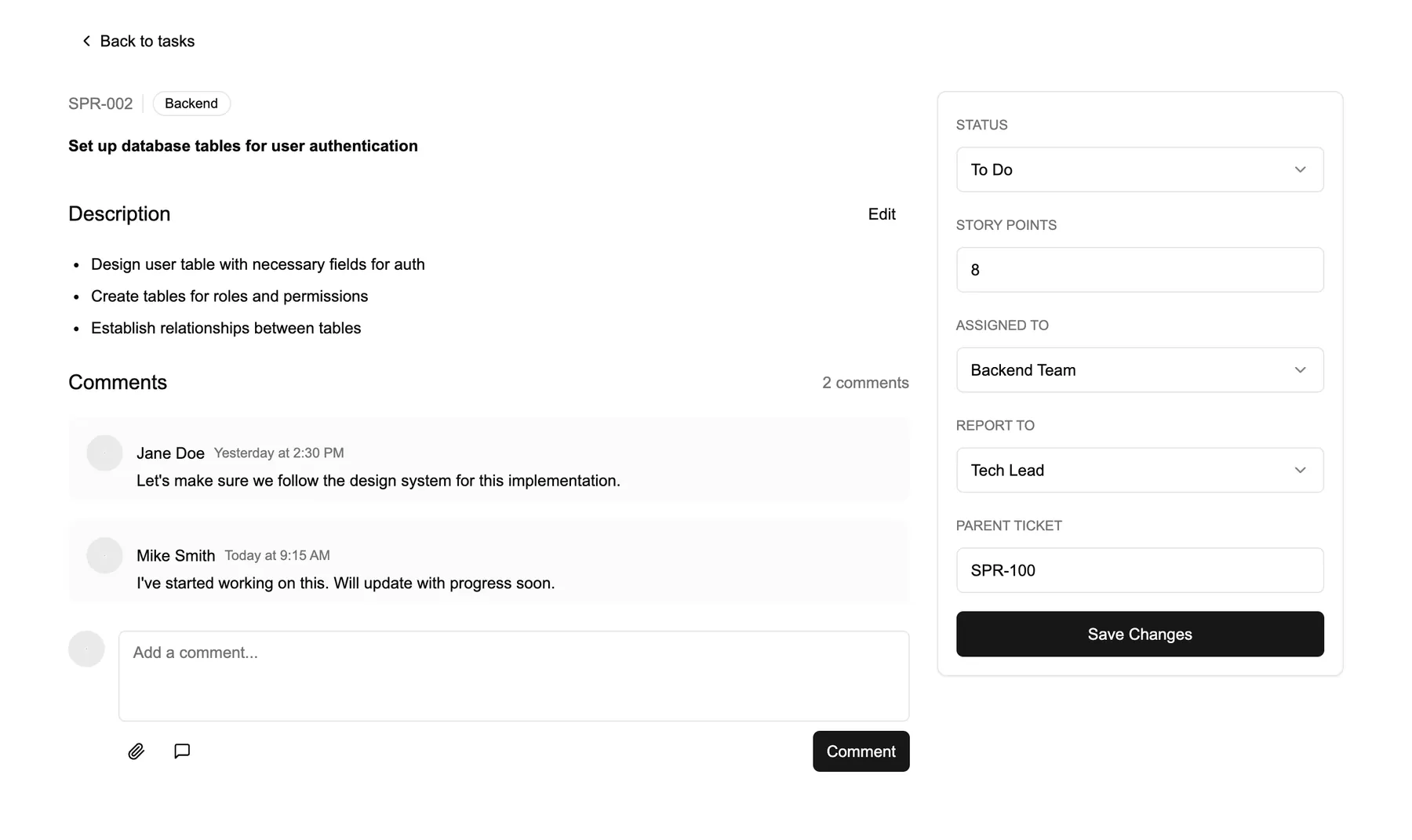
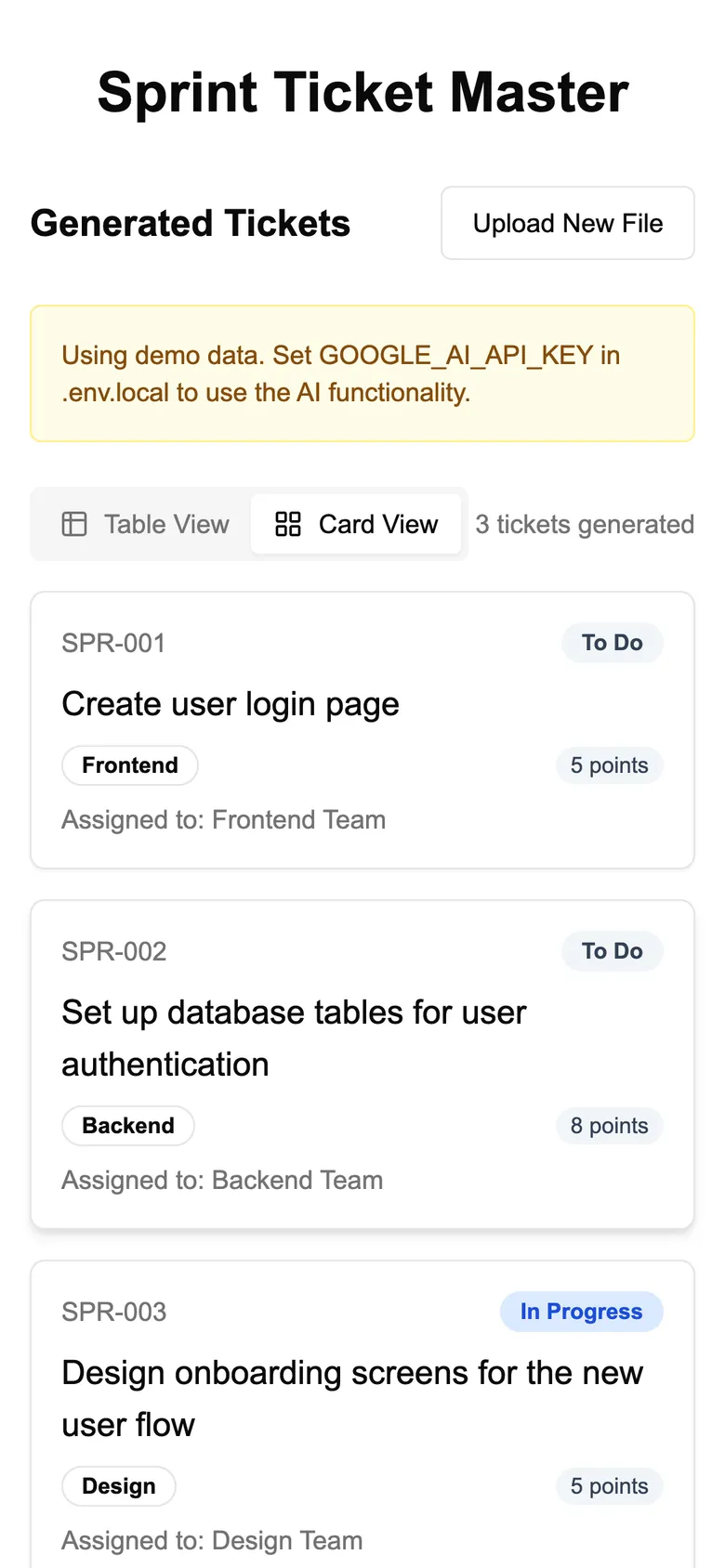
Tickets open in a card view for a quick read or a table for scanning the whole sprint. Each one links to a detail page where the title, story points and status can be edited and saved for the session. The screenshots below show the app's built-in demo tickets.
Section 05
What I'd Build Next
The prototype proves the flow end to end. The next version would harden it:
- Gemini's structured output with a response schema, instead of extracting JSON from free text
- Validation of every field before it reaches the interface
- Persistence, so a generated sprint survives a refresh
- Authentication and rate limits on the API route